Zipic Blog
Tips, tutorials, and insights on image compression for Mac

Best ImageOptim Alternatives for Mac in 2026
Looking for an ImageOptim alternative? Compare the top Mac image compression tools — Zipic, Squoosh, TinyPNG, Compresto, and Optimage — with features, pricing, and recommendations.
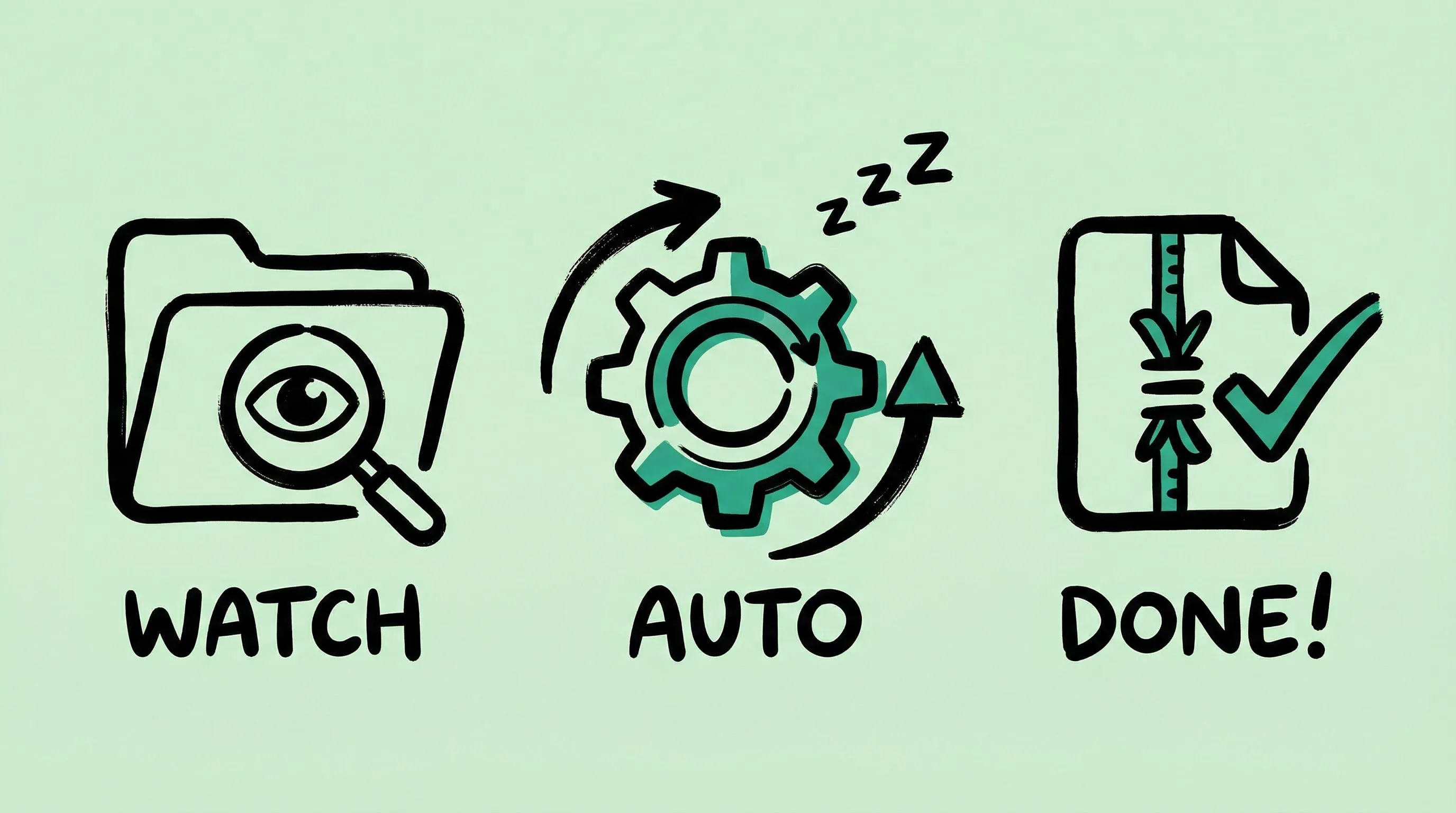
macOS Automation: Auto-Compress with Folder Monitoring
Set up automatic image compression on macOS with Zipic's folder monitoring. Auto-compress screenshots, downloads, and design exports as they appear.
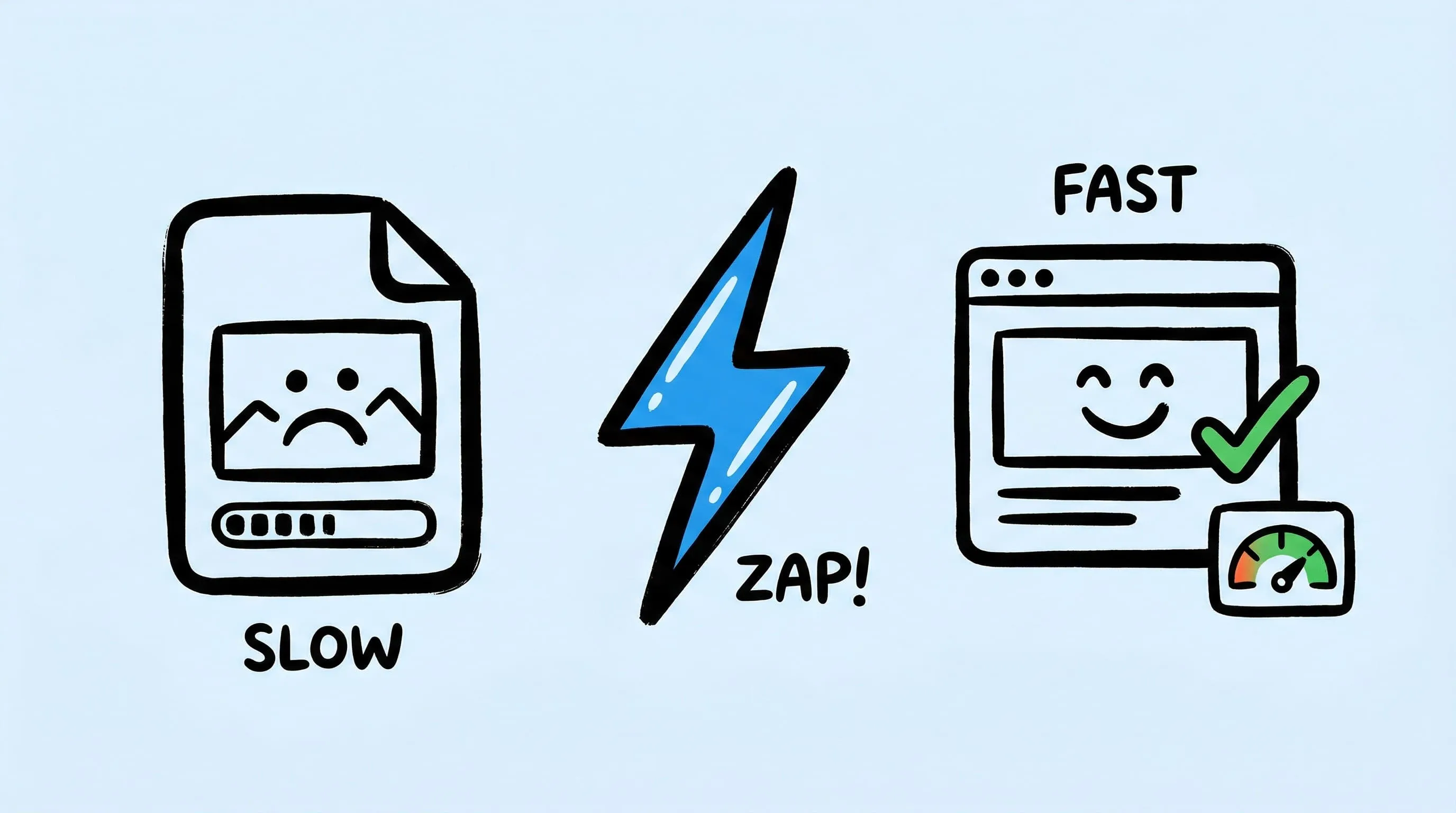
Optimize Images for Web Performance
Learn how to optimize images for faster websites. Covers format selection, compression settings, responsive images, and automation with Zipic on Mac.
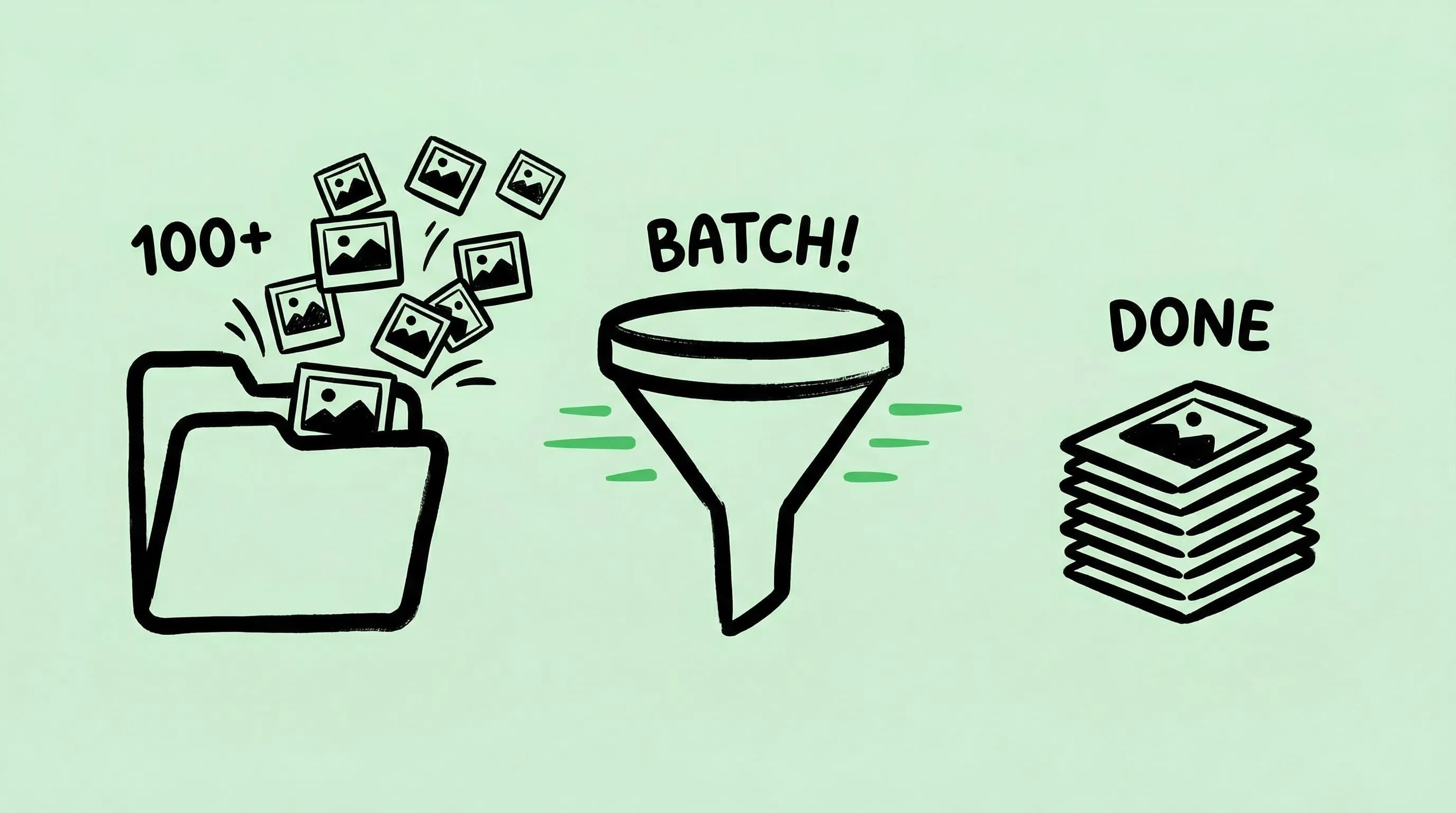
Batch Compress Images on Mac: Complete Tutorial
Learn how to batch compress hundreds of images on Mac using drag-and-drop, folder monitoring, Raycast, and Apple Shortcuts with Zipic.
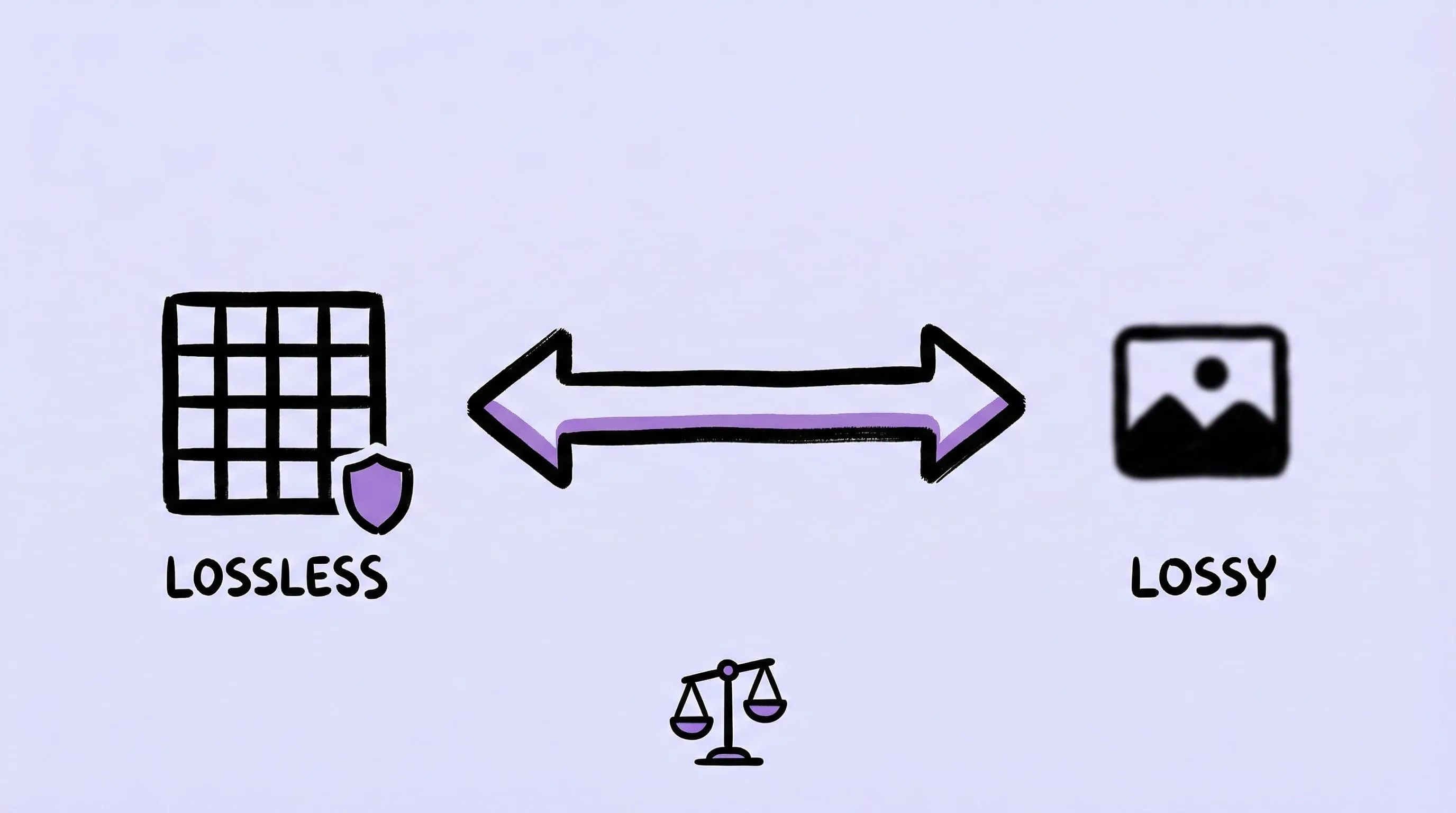
Lossy vs Lossless Compression Explained
Understand the difference between lossy and lossless image compression. Learn when to use each type, which formats support them, and how to choose.
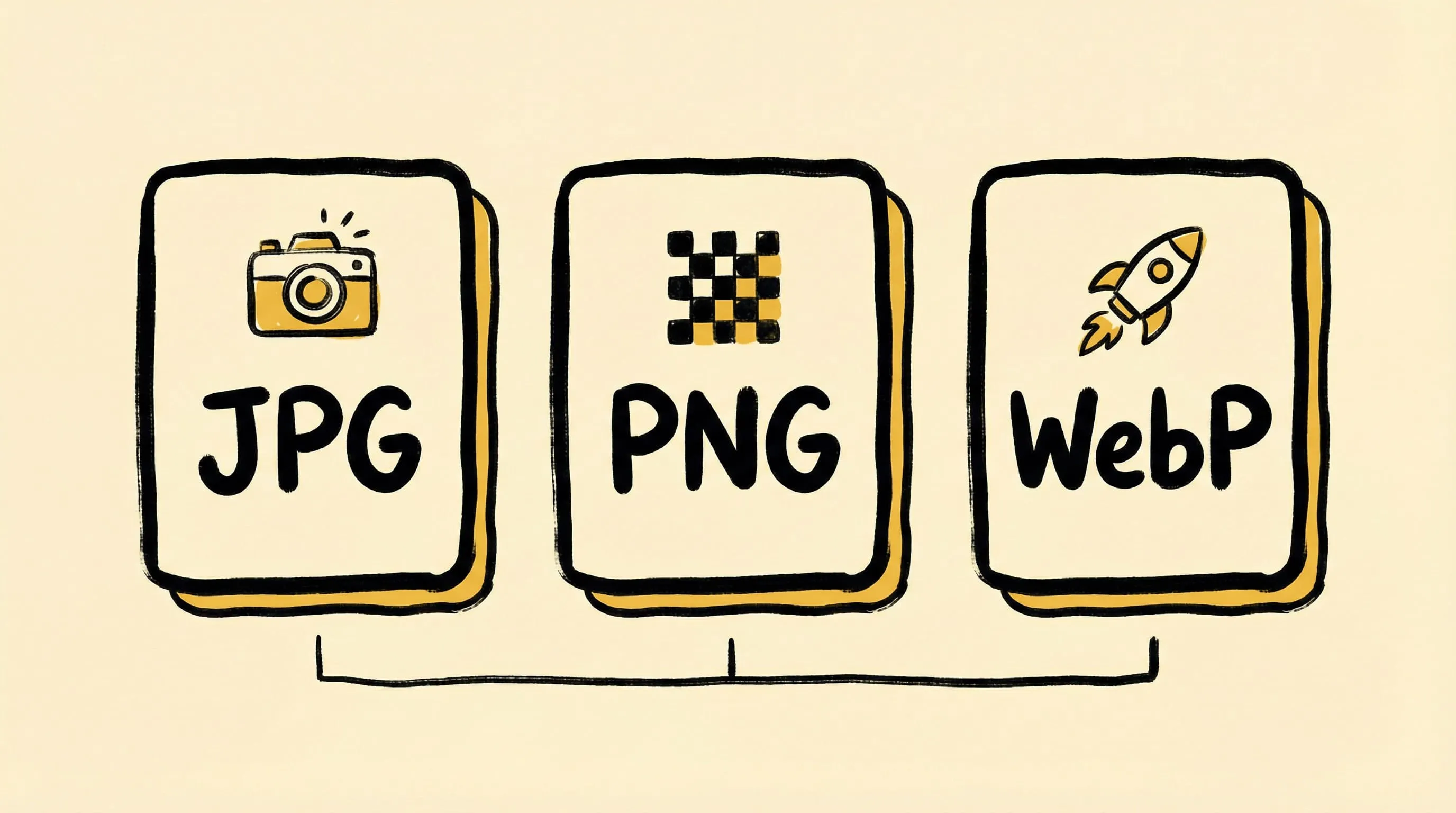
JPEG vs PNG vs WebP: Which Image Format Should You Use?
Compare JPEG, PNG, WebP, AVIF, HEIC, and JPEG-XL. Learn when to use each format for web, photography, and design with real compression data.

Zipic vs TinyPNG: Desktop App vs Online Tool Compared
Zipic vs TinyPNG — compare privacy, file limits, format support, and pricing. See why a native Mac app beats an online uploader for image compression.

Zipic vs ImageOptim: Which Mac Image Compressor Wins?
Compare Zipic and ImageOptim side by side. See how they differ on format support, compression control, automation, and pricing for Mac image compression.
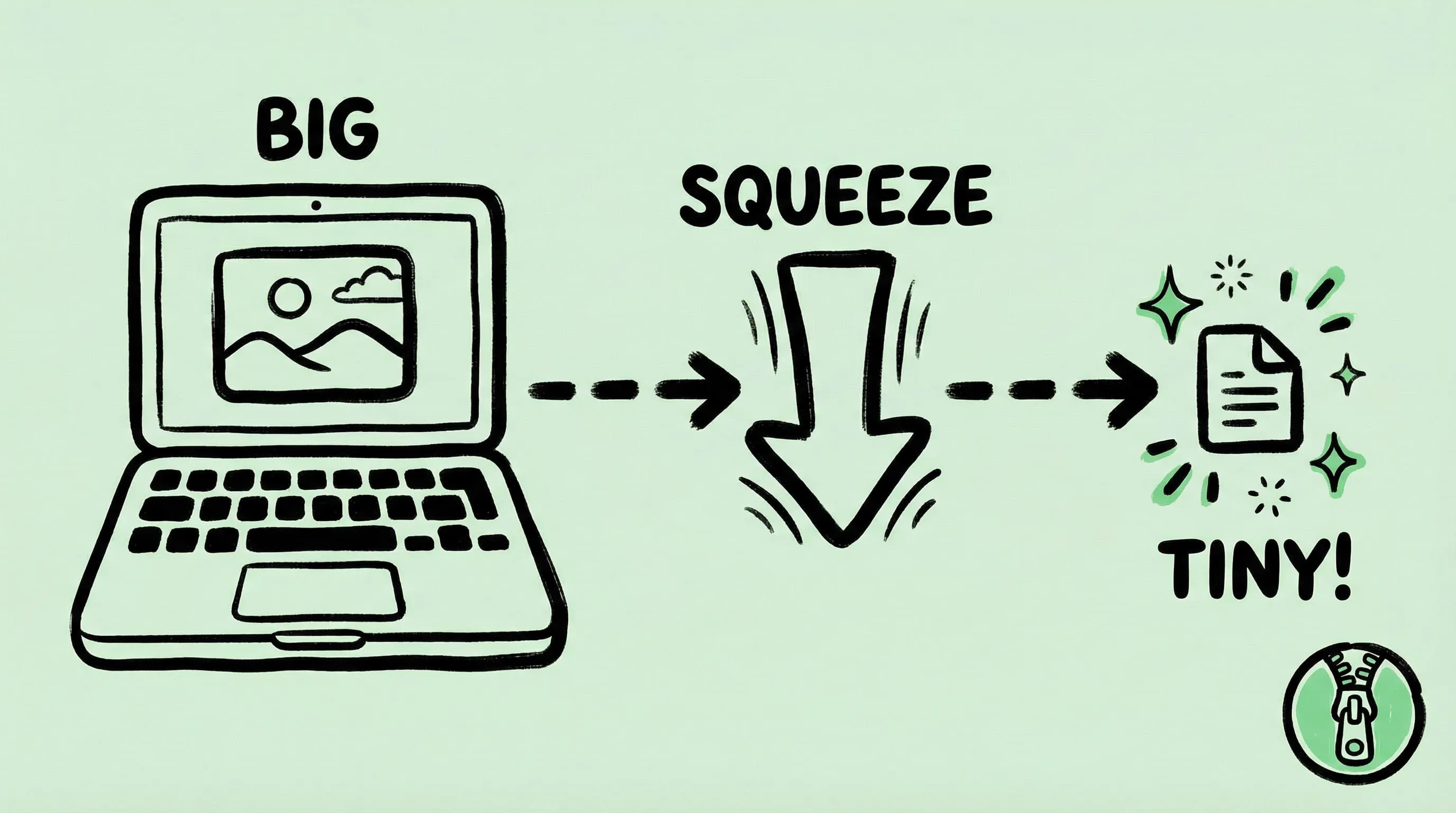
How to Compress Images on Mac — The Complete Guide
Learn how to compress JPEG, PNG, WebP, HEIC, and AVIF images on Mac without losing quality. Step-by-step guide using Zipic, the best Mac image compression tool.